Built by a WPI student,
for students everywhere.

theHerd brings class chats, shared course materials, an AI academic advisor, and a bit of daily competition into one app made for college life — started at Worcester Polytechnic Institute, open to any student.

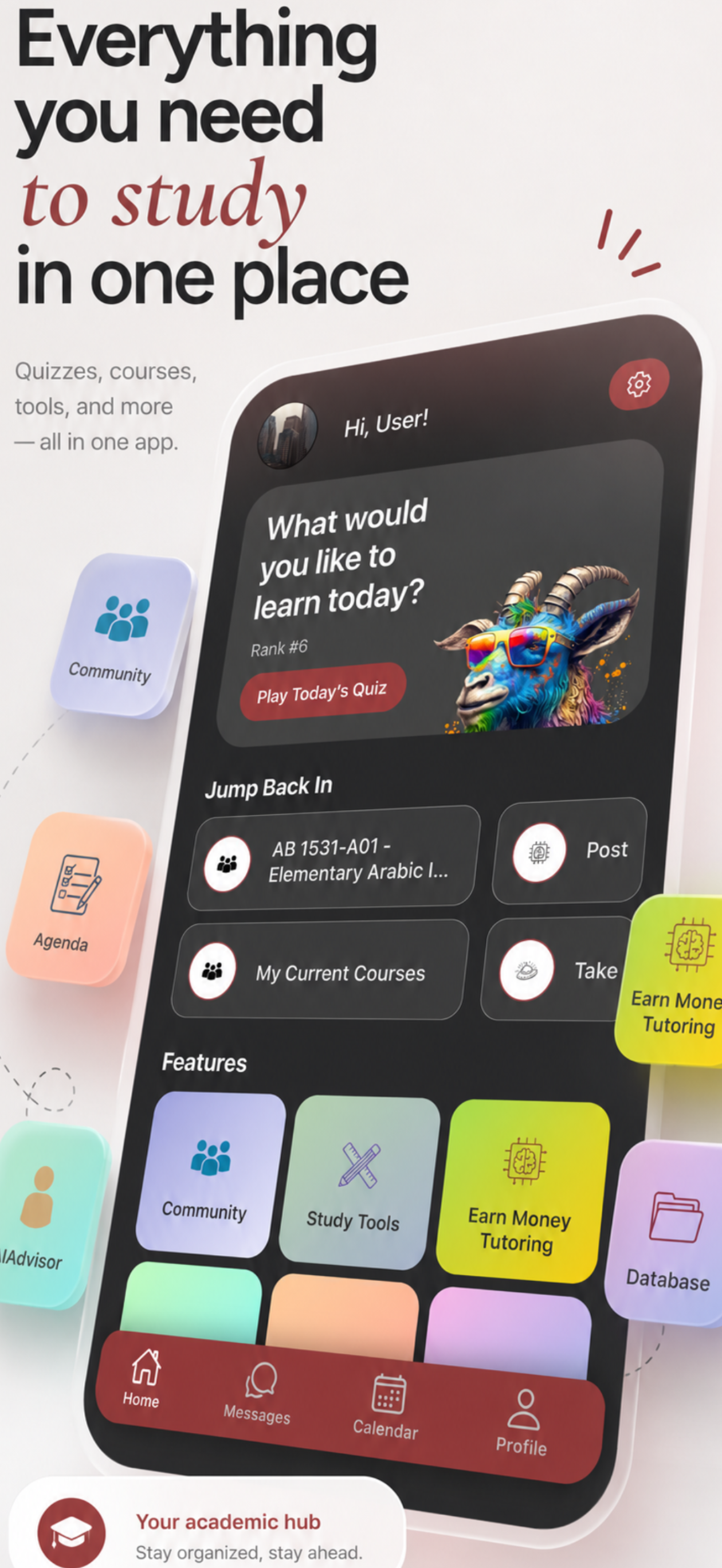
theHerd home screen showing daily quiz, courses, and quick links to app features
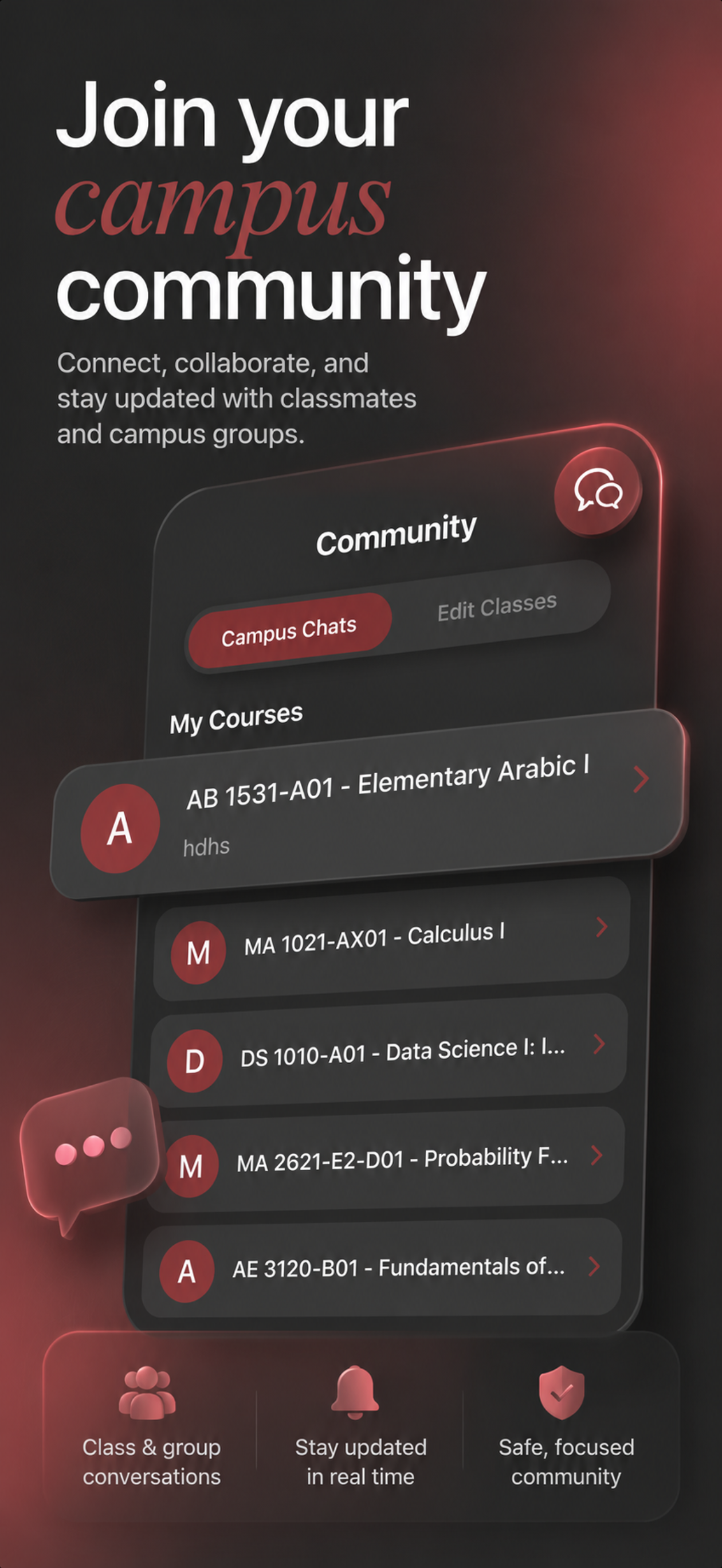
Campus chat list showing a student's enrolled courses

Never study alone

Every course has its own chat, automatically. Ask a question at midnight before an exam, coordinate a study session, or just find out you're not the only one confused about the homework.

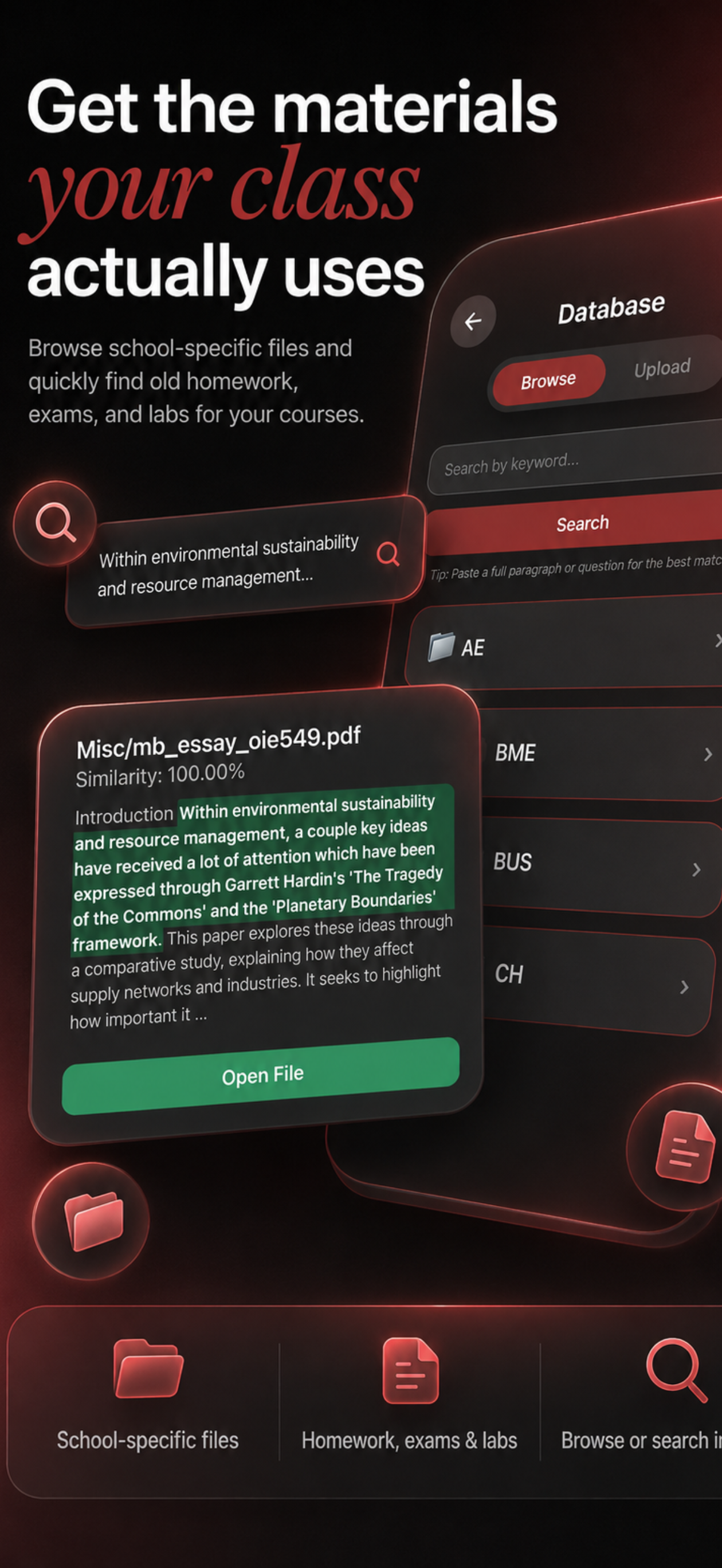
Database search showing a matched homework file with similarity score

Find the materials your class actually used

Search old homework, labs, and exams shared by students who've already taken your courses. Paste in a question or a topic and get back the closest match, not just a keyword hit.

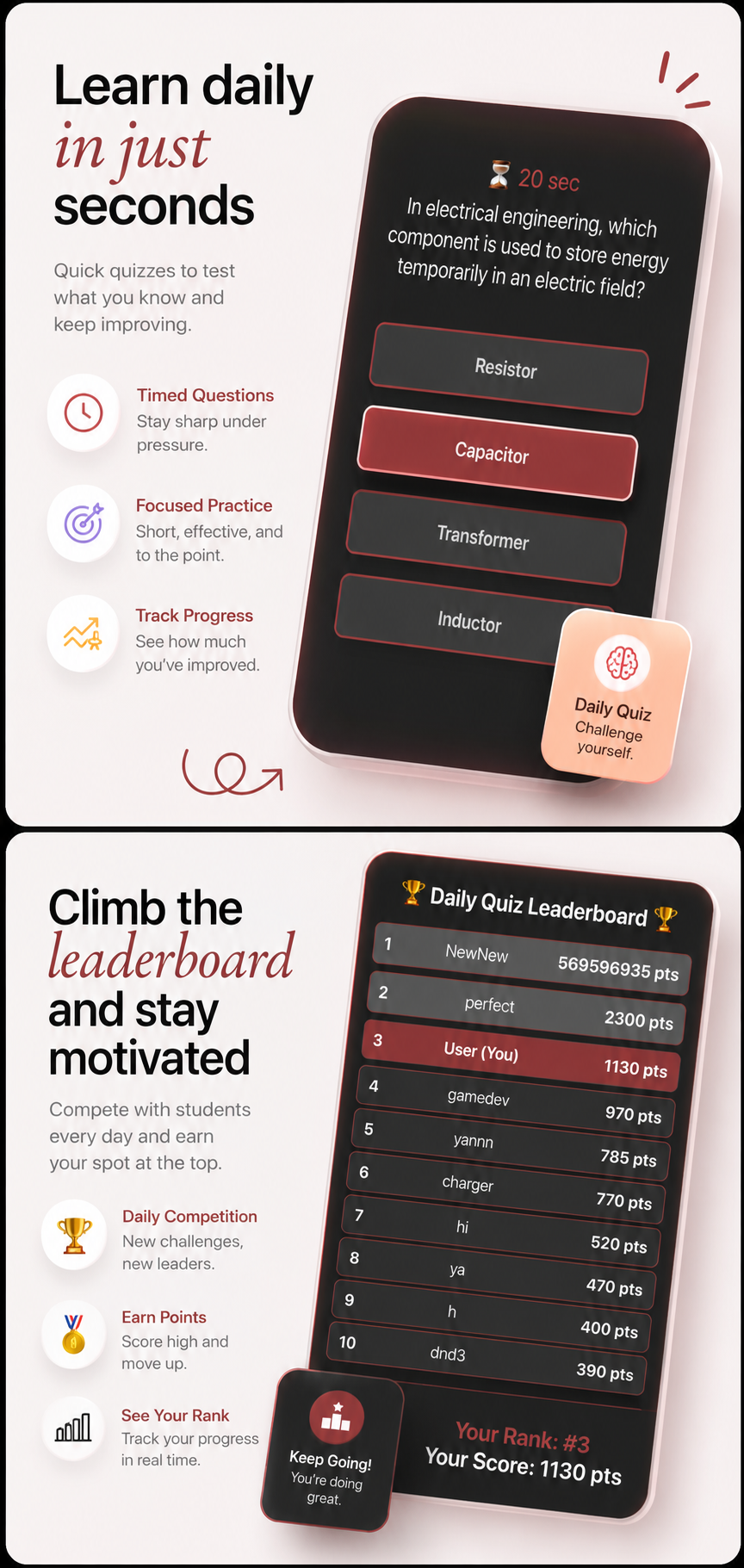
Daily quiz question and leaderboard showing student rankings

One quiz. Twenty seconds. Every day.

A short, timed question drops daily across every subject. Climb the leaderboard, keep a streak going, and pick up things you didn't know you didn't know.

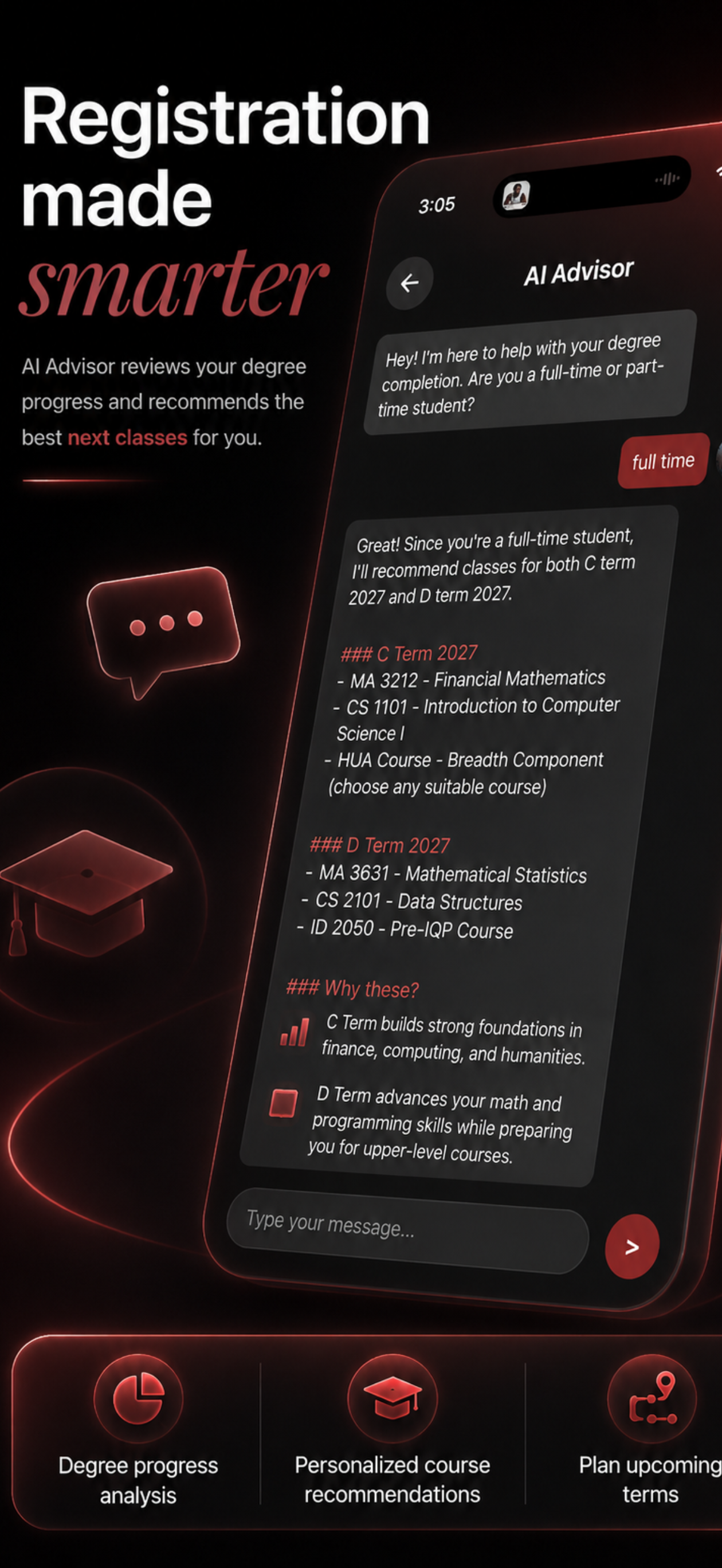
AI advisor screen recommending courses for an upcoming term

Know exactly what to take next

theHerd's advisor understands WPI's term system and your actual degree requirements, so recommendations are built around your real course history, not a generic checklist.

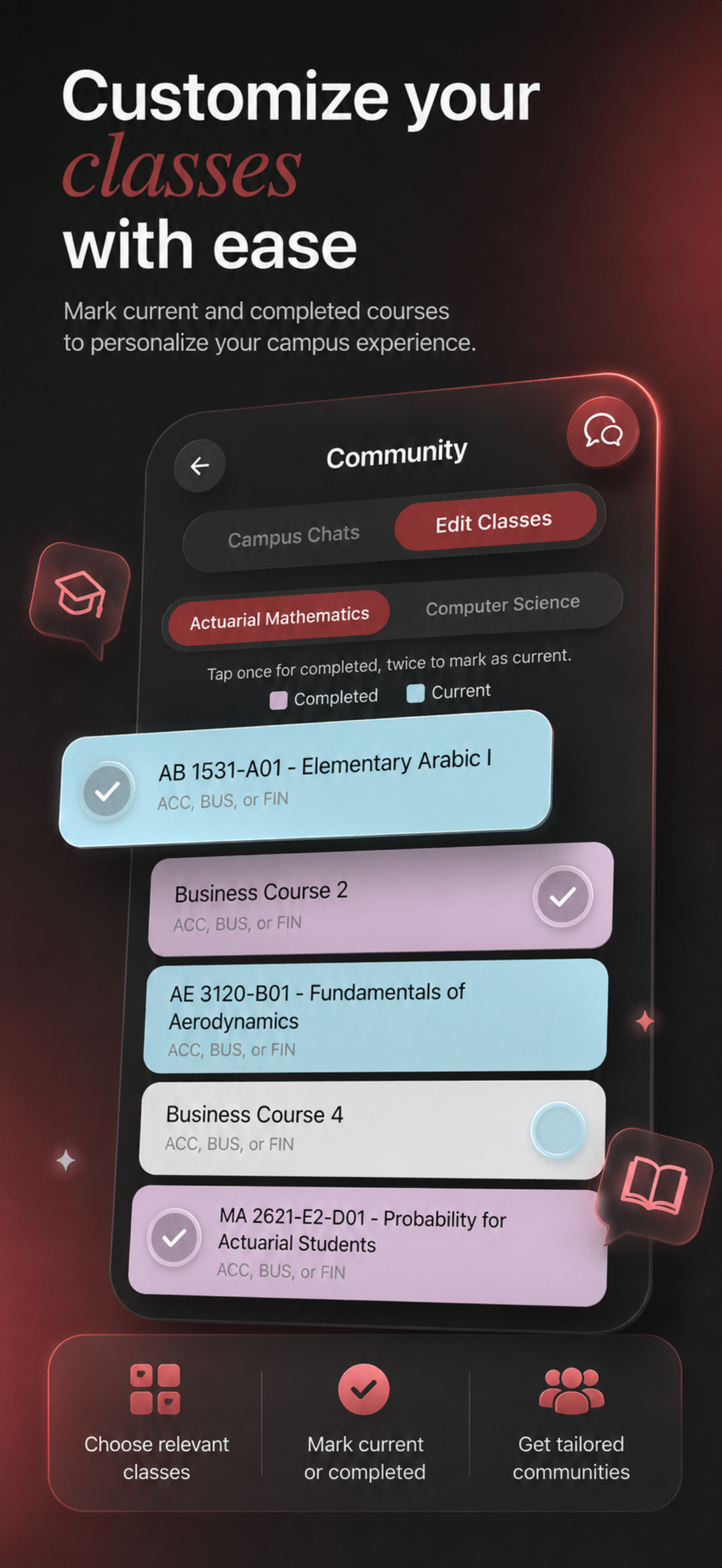
Class selection screen for marking current and completed courses

Your schedule, your communities

Mark what you've completed and what you're taking now. theHerd uses it to sort you into the right chats and tailor every recommendation to where you actually are.

Need a hand?

Whether it's a bug, a billing question, or a report about another student, we read every message that comes through.

Contact us

We typically respond within a few business days.

Who can use theHerd?

Anyone can create an account with any email address — no school affiliation required. theHerd started at Worcester Polytechnic Institute, so some academic-planning features (like degree requirement tracking) are currently tuned around WPI's curriculum, but core features like class chats, study notes, and the AI advisor are open to everyone.

How do I delete my account?

Open Profile, scroll to the bottom, and select Delete Profile. This permanently removes your account and data — it can't be undone.

How do I report a message or a user?

Long-press any message in a chat, or open a user's profile, and select Report. Our team reviews every report and can suspend accounts that violate our community guidelines.

I think my account was suspended in error. What now?

Email support@kaziapps.com with your username and what happened. We review every appeal.

How does Premium work?

Free accounts get a trial period with core features. Premium unlocks unlimited AI advisor use, more downloads from the shared course database, and extended speech-to-text notes. Subscriptions are billed through the App Store, Google Play, or Stripe depending on how you signed up, and can be managed or canceled from your device's subscription settings.